
Git Worktree Lifecycle at Scale
Git Worktree Lifecycle at Scale. At fleet scale, worktrees fail in two directions: unbounded growth (every agent run leaves a tree + branch behind until git worktree list becomes a phone book) and unsafe mutation (a script prunes the wrong tree, deletes uncommitted work, or escapes the managed root). The lifecycle that holds assigns each worktree a deterministic identity at birth (slot/slug-derived directory and branch), defines terminal states with explicit teardown (prune trees, delete branches, reclaim slots only on verified completion), and enforces a root jail (all managed trees live under one managed directory; nothing outside it is ever touched).
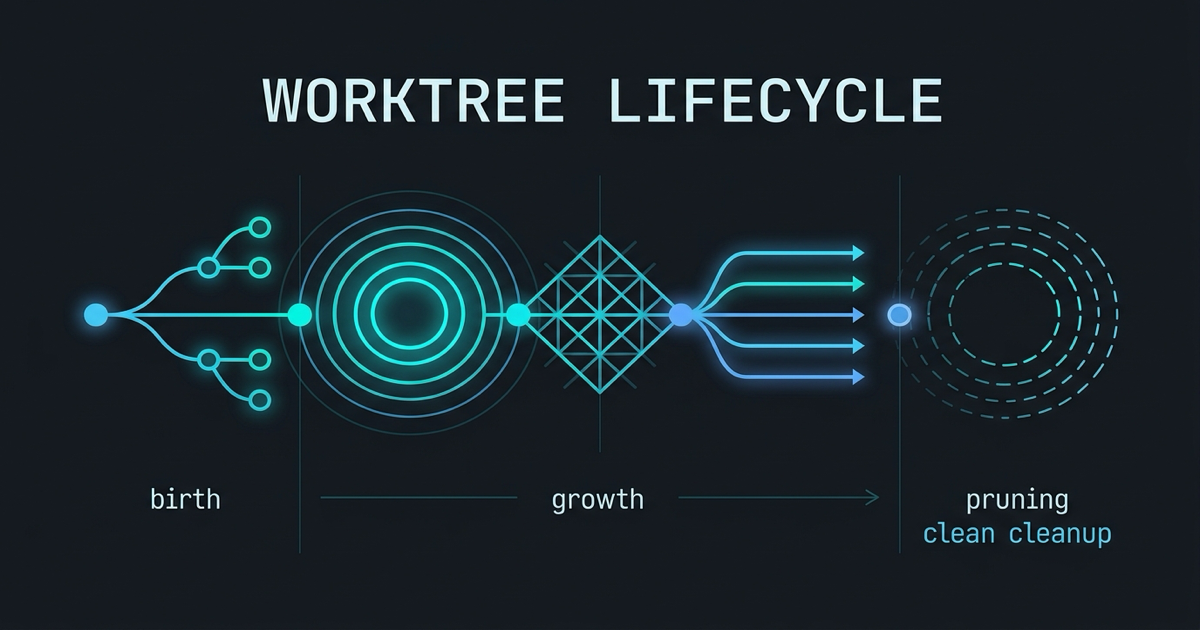
Allocation scheme per agent
Uncontrolled allocation is git worktree add ../$(date +%s) — unique every time, meaningless always. A scalable scheme makes identity derivable:
Directory = managed root + slug. All managed trees live under one root (Ferryx uses .orca-worktrees/wt-<slug>), so the set of trees is enumerable by listing one directory — and “is this tree managed?” is a path-prefix test, not guesswork. The root is also the jail boundary: cleanup, quota scans, and safety checks operate on one path, and nothing outside it is ever a candidate for automated action.
Slug = task identity + collision handling. A readable slug (fix-flaky-auth, spike-queue-redesign) makes the tree self-describing to humans and agents; allocation appends a sequence or short hash on collision (fix-flaky-auth-2). Readability matters at scale: with fifty trees, wt-17 forces a registry lookup for every glance, while the slug is the lookup.
Branch = namespaced from the slug. Branch names derive from the same identity under a namespace (orca/<workspace>/<slug> in Ferryx’s scheme), giving three properties: git branch --list 'orca/*' enumerates fleet branches exactly (no accidental matches with human branches), tree↔branch mapping is derivable both directions, and a stale artifact is diagnosable — finding branch orca/proj/spike-queue-redesign with no matching tree tells you precisely what happened (tree removed manually) without archaeology.
Slot registry for scarce resources. Ports, database schemas, and parallelism slots are finite; the allocation record (session registry or workspace snapshot) maps slug → slots, so reclamation is targeted: session ends, slots free, next birth reuses them. The registry is the lifecycle’s ledger — the fleet inventory pattern is its operational face, and the port partitioning post shows one resource flowing through it.
Pruning stale trees safely
Growth is automatic; reclamation must be safe, because a wrong prune deletes someone’s uncommitted work. Four rules, in order:
- Classify before touching. A tree is a candidate only when its session is terminal — completed, cancelled, or expired by explicit TTL — never merely because it looks idle.
git worktree listplus the session registry gives liveness; mtime guessing does not (an agent thinking for an hour produces no mtime change that means dead). The registry’s state machine (running → done/cancelled → pruned) is what makes “safe to remove” a computed fact. - Inspect the work before removal. A dirty tree (uncommitted changes) or unmerged commits is not garbage — it is un-integrated work. Teardown policy must branch: clean + merged → remove tree, delete branch, reclaim slot; dirty or unmerged → escalate to human/leader review with the path and status attached. Silent deletion of dirty trees is the lifecycle’s worst failure mode and the reason fully-automated cleanup pipelines make experienced teams nervous.
- Remove through git, then verify.
git worktree remove(with--forceonly after the dirt check) followed bygit worktree pruneclears metadata; verification (git worktree listno longer shows it, directory gone) closes the loop — a half-removed worktree (directory gone, metadata stale) confuses every subsequent allocation. The cleanup routine covers the operational cadence; this is the invariant it enforces. - Reclaim in order: tree → branch → slots. Removing the tree does not delete the branch (worktrees never do — deliberate git behavior), so branch deletion is a separate, post-merge-checked step; slots reclaim last, after both. Ordering prevents the classic bug of reusing a slot whose tree still holds its port.
Batch hygiene then becomes a routine, not an event: a periodic sweep that lists managed root, joins against registry state, classifies each tree by the rules above, and produces a report (auto-removable / needs-review / active) — automation proposes, policy disposes. The weekly cadence fits naturally into weekly repo hygiene.
Jail rules that prevent escape
The root jail is what makes automation safe to run at all — three enforced rules:
- Every managed path is under the managed root. Allocation refuses to create outside it; cleanup refuses to consider anything outside it. A helper receiving
../production-dataor an absolute path to another repo returns an error instead of acting — path validation at the boundary, not trust in the caller. - Removal requires managed provenance. A tree is removable by automation only if the registry (not just the directory prefix) confirms it was allocated by the manager — a human’s manually-created sibling tree under a similar path is never a candidate. Provenance prevents “looked managed” deletions.
- Jail violations fail loud. Attempted allocation outside the root, symlinked paths pointing out of jail, or registry entries whose paths no longer prefix-match are errors to surface, not warnings to log — the jail’s job is to turn a would-be data-loss bug into a visible refusal. Ferryx’s worktree module implements this as
WorktreeIdentityroot-jail validation (all managed paths verified against the repository root before any operation); the root jail explained post walks the mechanics.
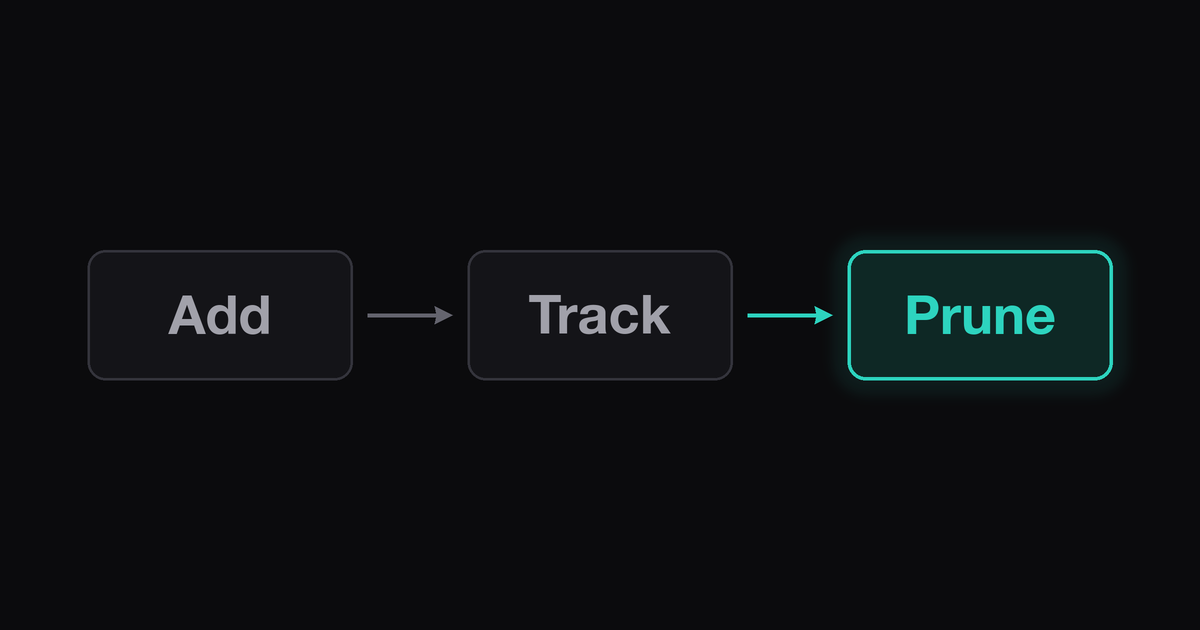
Composited, the lifecycle reads: deterministic birth under one root, registry-tracked life, classified death with dirt inspection, ordered reclamation, and jail-checked operations throughout — the difference between a worktree fleet you can script against and one you are afraid to automate. Tree-per-task discipline from the operator side is the worktree-per-bugfix pattern; the branch-allocation scheme’s day-one design is in the migrating from clone habit post.
FAQ
How many worktrees can one repository support before it becomes unmanageable?
Git itself handles hundreds comfortably (each is a checkout, not a clone); the practical ceiling is your lifecycle’s — how reliably slots reclaim, stale trees prune, and humans scan names. Fleets that classify-and-sweep routinely sustain 50–100+ trees; fleets without a registry feel pain at a dozen. The binding constraint is never git, it is bookkeeping — which is why allocation identity and pruning rules come before any scaling advice.
Does deleting a worktree delete its branch or commits?
Neither — git worktree remove removes the checkout and metadata only; the branch and its commits remain (git’s design: a worktree is a view onto refs, not their owner). That safety is also the growth problem: abandoned trees leave branches accumulating, so lifecycle teardown must explicitly delete the branch after verifying merge status — step 2’s dirt/merge check exists precisely to gate that second deletion.
What is a “root jail” and why do I need one?
A root jail constrains every managed worktree to live under (and every automated operation to act within) a single managed directory in the repository. Its value appears the day a script runs unattended: path inputs cannot point at ../important, “which trees may I prune” is answered by prefix + registry instead of judgment, and a bug in cleanup degrades to “touched files inside the managed root” rather than arbitrary paths on disk. It is the precondition for trusting automation with deletion.
How do I clean up worktrees whose branches were already merged?
The straightforward path, in order: confirm the tree is session-terminal via your registry (not just git branch --merged), remove the worktree (git worktree remove <path>), delete the now-safe branch (git branch -d <branch> — -d refuses unmerged, as a final guard), then git worktree prune for metadata. Automation should follow the same order with the dirt check in the middle; the full operational routine lives in cleaning up agent worktrees.