
One Workspace for Humans and Coding Agents
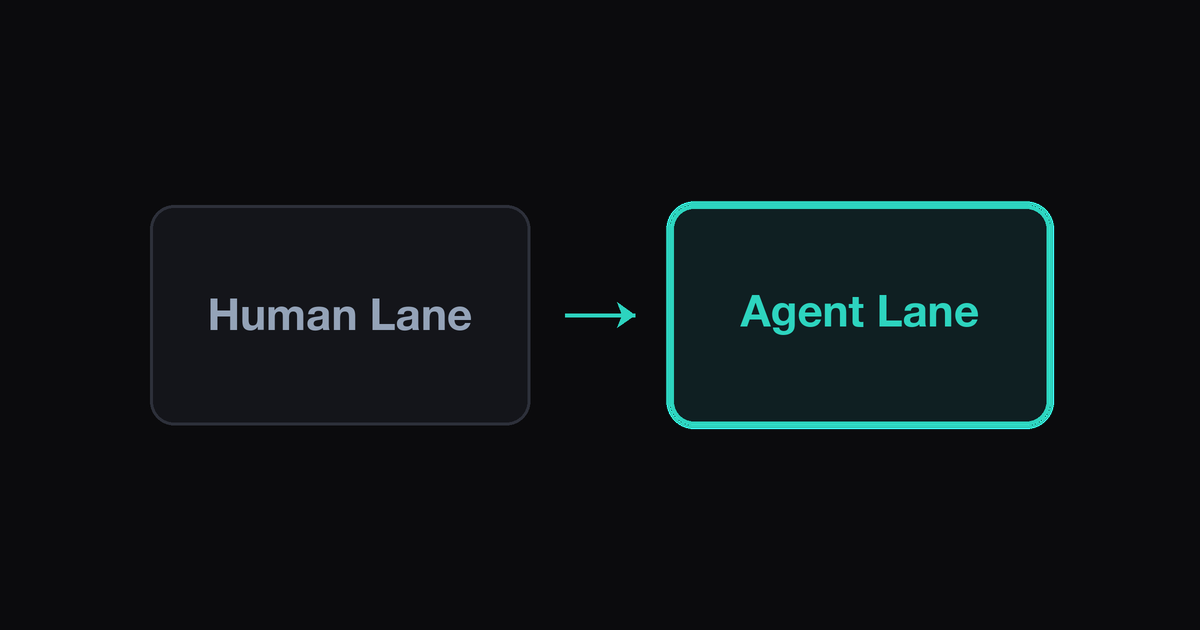
One Workspace for Humans and Coding Agents. The working design splits a workspace into attention regions: a human lane of interactive panes you drive with keyboard focus, and agent lanes of supervised background runs whose state surfaces as badges rather than raw output — connected by an explicit handoff mechanic — the kind a workspace manager like Ferryx can serialize — that moves a pane (or a task) between the two. The layout encodes a ratio you choose deliberately (typically one focused human region to several agent regions) and attention rules that decide when an agent’s state is allowed to interrupt you — so agents get autonomy without stealing the focus your own work needs.
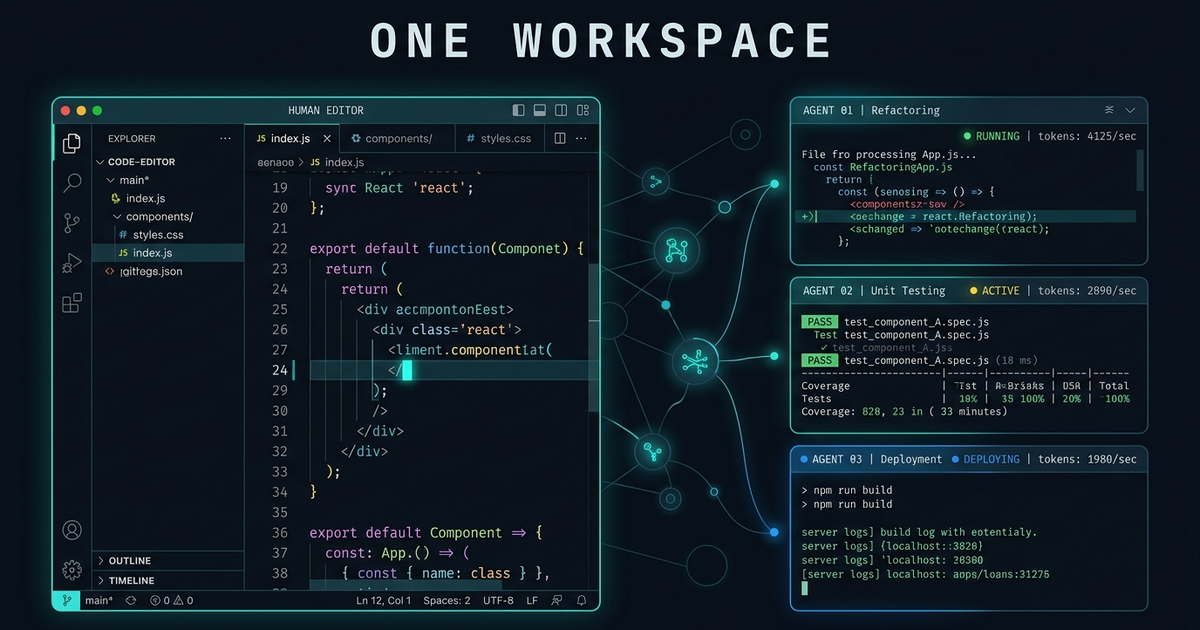
Splitting human and agent lanes
The split is about interaction cost, not ownership. A human pane costs full attention when focused (typing, reading diffs, deciding); an agent pane costs attention only at its intervals — prompt, completion, failure. Lanes make that asymmetry structural:
Human lane: prime screen real estate. One region — typically the largest pane or a dedicated monitor/workspace — holds what you are actively driving: the editor, the REPL, the review diff. Its defining property is that nothing backgrounds into it uninvited: agent output never hijacks focus, notifications never steal keystroke context. The lane is where deep work happens, and its boundaries must be inviolable or it is just a pane like any other.
Agent lanes: peripheral by design, legible by state. One or more regions (side column, second monitor, a separate workspace you glance at) host agent sessions. Critically, agent lanes are read as state, not stream: you look at badges (running/blocked/done), not at scrolling output — output is for the moment you engage, having been cued by state. Lanes sized for raw output seduce you into reading agents like chat; lanes sized for status keep them peripheral until their interval fires.
The ratio is a decision, not an accident. Two human panes flanked by six agent panes is a supervision posture; one human pane with one agent pane is pair-programming. The layout should match your actual engagement style — and be revisited when it doesn’t: if you constantly promote an agent pane to the human lane to interact, that agent’s task wants a human owner; if your human lane keeps getting demoted to check agents, your status surface (badges) is underperforming. The layout drift diagnoses the workflow.
Geometry has a practical edge too: agent lanes benefit from stable placement (your glance finds them without search — the position itself becomes the index), while the human lane benefits from size stability (a badge update that reflows your focused pane is an interruption in disguise). Layout systems that serialize per-workspace arrangement make both properties restorable instead of improvised each session — the workspace manager post covers the persistence side.
Attention rules for both sides
Lanes decide where attention goes; rules decide when — and the rules run in both directions:
Rules protecting the human from agents.
- Badge-only interrupts. Agent state changes surface as passive badges unless the state is
blocked(needs a human) — running and done never raise an interrupt. This single rule removes most hybrid-workspace noise: agents are allowed to be busy silently. - Batched review.
doneagents queue for a review sweep (a habit, or a scheduled nudge) rather than demanding immediate inspection — matching the approval-batching discipline in the fleet model. - Escalation only on block. An agent escalates to you when — and only when — its task genuinely requires a decision; task files that permit guessing produce fewer blocks but worse surprises, so the boundary is set per task, not globally.
Rules protecting agents from the human’s chaos.
- No focus-stealing keystrokes. Interactive input goes to the focused human pane by construction; sending input to an agent lane is an explicit targeting act (click, shortcut, addressed send) — never adjacency. The classic hybrid bug is typing a review comment that lands in an agent’s shell two panes over.
- Stable identities. Human and agent panes both carry persistent names (task, worktree), so your habits and your scripts address the same targets after layout restore — re-identification after every restart is attention tax paid by both sides.
- Predictable pause semantics. Closing the laptop, switching workspaces, or ending the day must mean the same thing for agent lanes every time (runs continue, badges queue, nothing is lost) — mixed semantics (“sometimes it continues, sometimes it dies”) force you to babysit, which defeats the lane.
The rules share one foundation: reliable state detection. blocked-vs-running must be derived (per-CLI prompt detectors, heartbeats), not assumed — a badge system that mislabels parked agents as running quietly breaks every rule above, which is why the attention inbox design treats detection as the keystone rather than the rendering.
Handing a pane to a human
The handoff — promoting an agent’s work into direct human control — is where hybrid layouts earn their keep. Three shapes, by intent:
- Intervene in place. The agent is blocked or thrashing; you focus its pane, answer or interrupt, and hand control back. Cheap and local; the lane structure makes the targeting deliberate (you promoted the pane), and the agent resumes in the same session with context intact.
- Take over the task. The agent finished (or stalled) and the work now wants a human: you switch to the worktree, not the pane — the agent’s session parks (or ends), its lane entry flips to
done/handoff, and your human lane opens the same tree with the diff staged for review. The task crossed lanes; the pane identities stayed honest about who owns what. - Return the task to an agent. The inverse path: review done, next step defined, you dispatch it back — a fresh (or resumed) agent session in the same worktree, lane badge returns to
running. A round trip through the human lane is the review loop in hybrid work; the discipline is that both directions update the shared state (who owns the task) instead of leaving it ambiguous.
The handoff’s precondition is that work and view are separable: tasks live in worktrees and state files, not inside a particular pane’s scrollback — so any lane can pick them up. That separation is what the leader-worker handoff contract formalizes for agent-to-agent transfer, and what managed worktrees provide mechanically: the parallel agents use case documents the workspace, the lanes document the attention.
FAQ
How many agent panes can one person actually supervise in one workspace?
It tracks your intervention bandwidth, not screen space: each concurrent agent generates expected blocks (approvals, questions) per hour, and the workable count is roughly how many you can clear per hour without abandoning your human lane’s task. Start at two or three, watch badge-queue depth, and treat a growing blocked queue as the signal to raise your status surface’s quality — not to add panes.
Won’t background agent output steal my focus constantly?
If you watch raw streams, yes — which is why the design reads agent lanes as state: badge-only interrupts mean running/done changes are passive visuals, and only blocked earns an interruption. The streams are still there when you engage deliberately; the rule is that they never engage you. Workspaces that serialize layout keep the badges in stable peripheral positions, so glancing is cheap and reading is opt-in.
What’s the difference between handing off a pane and handing off a task?
A pane handoff moves interaction (I focus your pane and type); a task handoff moves ownership (the work — its worktree, its state file — transfers to a different lane or worker, and the panes just reflect it). Confusing the two is how hybrid workspaces accumulate zombie sessions driving work nobody owns; the state register (who owns task X) must change for a handoff to be real, regardless of which panes you focused.
Can agent lanes and my human lane run on different machines?
Yes — and the split is often deliberate: heavy agents run on a beefy headless host while your human lane stays local, unified in one workspace view. The requirement is that session state and badges flow through a layer that spans machines (daemon-backed sessions with one status surface), rather than each machine holding its own private view — the architecture for that span is documented in the remote sessions use case.