
Browser-Based Remote Development With a Real Terminal
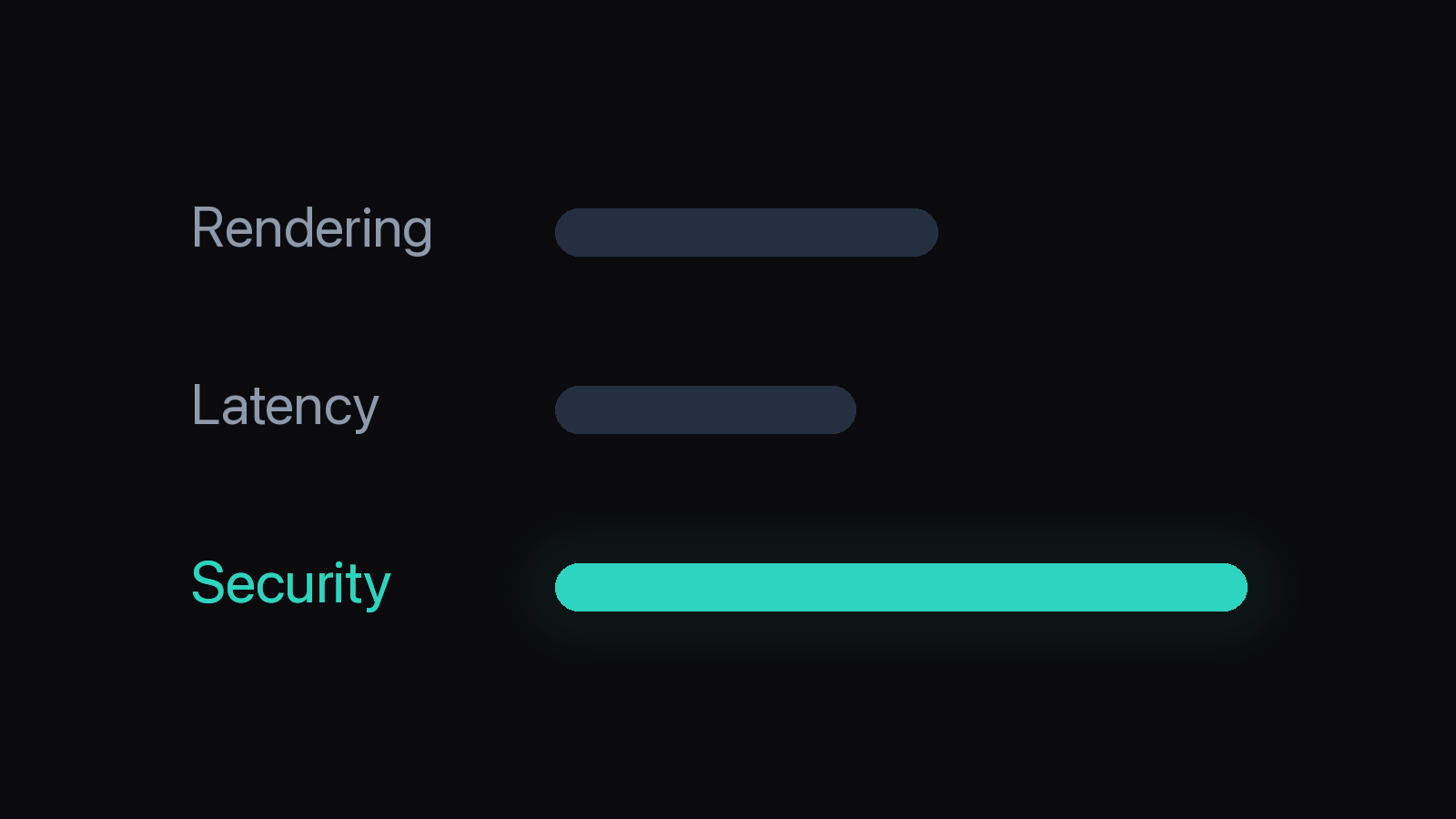
Browser-Based Remote Development With a Real Terminal. A browser terminal is worth adopting when it proves three things: it renders real terminal workloads faithfully (unicode, colors, scrollback, TUI apps), its input loop stays responsive over your actual network (keystrokes, IME composition, paste), and its security boundary is one you can articulate (what the browser holds, what the origin can reach, who may attach to what) — the same three gates a paired remote client such as Ferryx is built to answer. Evaluate in that order — pretty rendering hides latency, and fast round-trips mean nothing if the deployment model quietly exposes your shell to whoever finds the URL.
What a browser terminal must prove
Rendering fidelity first, because it is the most falsifiable and the most commonly oversold. A terminal in a browser is not a screenshot stream (that is remote desktop) nor a plain textarea — it is either a canvas/WebGL renderer replaying escape sequences client-side, or a server-side grid pushed as structured cells. Either way, the proof questions are concrete: does htop’s color palette come through, do box-drawing characters stay aligned in a CJK locale, does 500 lines/second of build output scroll without tearing, does scrollback survive reconnect, and do alternate-screen apps (vim, less, agent TUIs) enter and exit cleanly. Each is a two-minute test with real tools; a candidate failing any of them will fail them harder in production.
Critically: rendering is where browser implementations increasingly beat SSH-in-a-tab. Server-side rendering computes cells once and ships a delta grid; client-side modern stacks render via canvas/WebGL at native frame rates. The old WebSSH-in-an-iframe era (monospace textarea, xterm.js doing everything over a raw stream) is visibly gone — but each implementation still has to earn the fidelity claims above on your workloads.
Input latency second, because it is where networks and IME meet. Measure, do not feel: type into a local TUI over your worst realistic network and watch for three signatures — echo delay (keystroke to glyph, the round trip), burst coalescing (fast typing arriving clumped or out of order), and composition integrity (IME languages committing mid-stream text — the classic killer for Korean/Japanese input, where a composed syllable must reach the host as one atomic edit, not shredded per byte). Paste behavior matters too: a 10 KB paste must arrive as a framed write, not 10 K interleaved keystrokes racing against remote echo. Candidate architectures differ sharply here — optimistic local echo masks round-trip, protocol-level framing (fixed-size headers, sequenced chunks) protects bursts — so ask how the implementation answers each signature rather than trusting a demo on localhost.
Security boundary last — and hardest to fake. Four questions decide it: (1) What does the browser actually hold? A short-lived session token is a different risk than long-lived shell credentials cached in localStorage. (2) What is the origin’s blast radius? If an XSS lands on the origin serving your terminal, what can it reach — one scoped session, or your whole host? (3) How do clients authenticate, and how are lost devices revoked? Pairing flows (QR/PIN) with device-level revocation answer this structurally; shared URLs answer it badly. (4) Is anything listening inbound on the dev machine? A design requiring port-forwarding or public sshd exposure inherits the internet-wide scanning problem; an outbound-only relay inverts it — nothing on your host is dialable.
Rendering and latency checks
A concrete evaluation sequence, runnable in under an hour against any candidate:
- Fidelity gauntlet: run
htop, a full-screen editor, a box-drawing TUI, CJK text, and an emoji+combining-character line. Screenshot each; compare against native. Then flood withyesor a build log and watch for tearing, dropped scrollback, or desynchronized alternate-screen exit. - Round-trip measurement: type on a throttled connection (browser devtools network shaping to a cross-continent round-trip budget). Echo delay should track round-trip time predictably; erratic spikes beyond it indicate head-of-line blocking in the implementation’s framing.
- Burst and IME tests: paste a multi-KB diff into a remote editor — verify it lands as one buffer edit with no interleaved prompts. If you input via IME, compose rapidly under load; every dropped or reordered syllable is a structural input-path bug, not a tuning issue.
- Reconnect drill: kill the network mid-run, restore it, and check what returns — scrollback position, session identity, running processes. This separates “stream re-opened” from “session persisted,” a distinction cheap implementations blur.
Architecture determines these outcomes more than polish: protocol-level framing with a fixed header and burst coalescing (the pattern stream framing describes) makes test 2 and 3 pass structurally; server-side cell grids make test 1 cheaper on bandwidth; session-identity persistence makes test 4 a property of the server, not the socket.
Security boundary in plain terms
Translate each architecture into the four questions:
| Design | What the browser holds | Inbound exposure on host | Lost-device story |
|---|---|---|---|
| WebSSH app behind port-forward | Session/ssh credentials, often durable | Public port + daemon | Revoke = rotate passwords |
| SaaS terminal with agent installed | Provider tokens; traffic may transit vendor | Outbound only (usually) | Provider-side device list |
| Self-hosted, paired client | Short-lived pairing grant per device | Outbound relay or LAN-only | Unpair the device, grant dies |
| Browser devtools to localhost | Nothing beyond devtools | None (loopback) | N/A — no remote path |
The rows are not ranked — a localhost-only tool and a phone-reachable gateway solve different problems. What matters is that the blast radius matches your threat model: an XSS on the terminal origin should yield at most one scoped, revocable session; host credentials should never be the browser’s to leak. Outbound-first designs (your machine dials the relay; nothing inbound is dialable) and per-device pairing with revocation are the two mechanisms that make that sentence true — self-hosted relay explained covers the first, remote browser tabs the session-scoping side.
FAQ
Is a browser terminal as fast as native SSH?
Over the same network path, well-built browser terminals match SSH’s round trip — bytes are bytes — and can feel faster where they add optimistic echo or server-side cell deltas that skip re-transmitting unchanged frames. Where they lose is implementation-dependent, not inherent: naive websocket framing without burst coalescing stumbles on fast typing and large pastes, so judge candidates by the latency tests above rather than by category.
Do I still need a VPN with a browser terminal?
Not with an outbound-relay design: the dev machine dials out to a relay, the browser dials the same relay, and no inbound port on your host exists to protect — so the VPN’s job (making a private address reachable) disappears. Self-hosted variants listening on LAN only reintroduce the question for off-LAN access; that is a deployment choice, not a property of browser terminals.
Will terminal apps like vim and htop work in the browser?
They should — alternate-screen TUIs are the fidelity test every serious implementation passes — but weaker ones break exactly there: broken alternate-screen exit leaving stale grids, colors flattened, resize events dropped so htop redraws misaligned. Run the fidelity gauntlet (htop, editor, box-drawing TUI, CJK) before trusting any candidate; two minutes of htop under load separates real terminal emulators from styled scroll views.
How do you evaluate IME input (Korean, Japanese) in a browser terminal?
Compose rapidly under network load and check for atomicity: a committed syllable must arrive at the host as one edit, never as interleaved bytes racing remote echo — fragmentation shows up as doubled or dropped characters exactly when typing fast. Composition state must also survive network blips without mid-word commits. This is a structural input-path property (composition handled before byte-splitting), not a latency-tuning artifact — the Korean IME field notes document the failure modes in detail.