
Approve Agent Permission Prompts from Your Phone
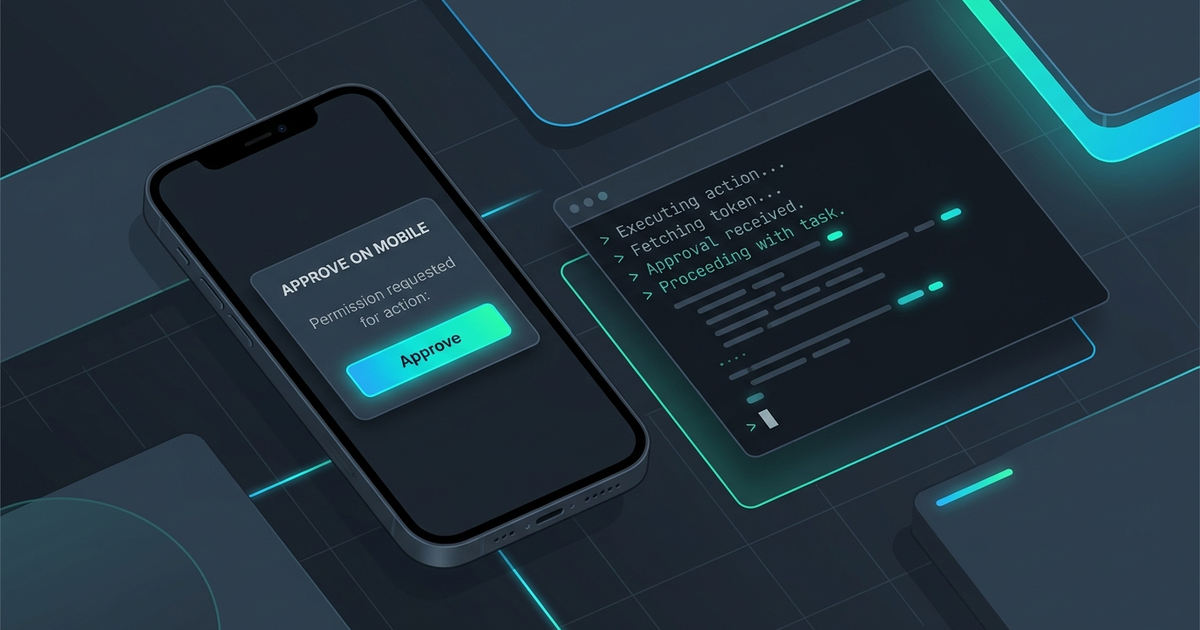
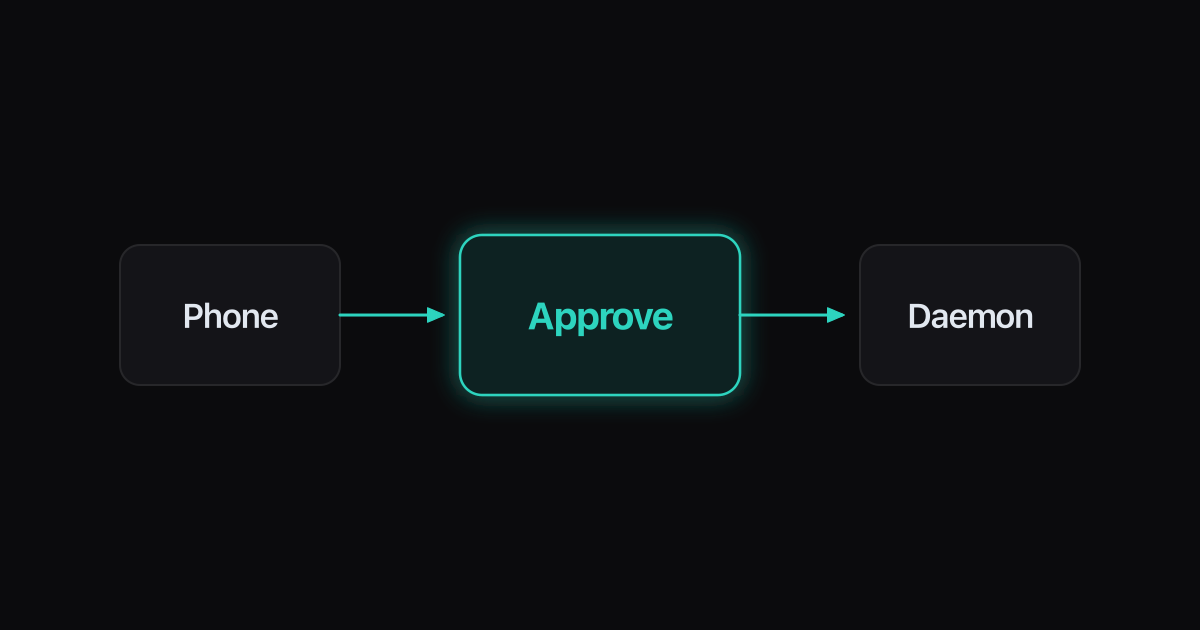
Approve Agent Permission Prompts from Your Phone. The mechanism: detect the agent’s permission prompt at the terminal layer (it is just a TUI state), publish that blocked-state to a gateway the phone is paired to, present a phone card with context — which agent, which worktree, what command it wants — and return the approval through the same path so the CLI receives it as if you typed y — pairing rides the same QR/PIN gateway shape Ferryx uses for phone attach. Done right, a run parked on approvals stops being a desk tether; done naively (blind yes/no push buttons), it becomes a remote-approval liability. The context and revocation details are where this design earns trust.
Why prompts stall runs
Coding agents pause for permission at exactly the moments that matter most — running a migration, deleting a file, hitting the network — and each pause is your attention being demanded at a moment you may not be there. The stall economics are brutal: an agent that parks at 14:00 waiting for y has zero throughput until a human returns, so the human’s location becomes the fleet’s clock. Multiply by fleet size: three agents, each prompting a few times an hour, means a desk-bound operator cannot legitimately walk away — not because the work is hard, but because the handshake is synchronous.
Three properties of prompts make them worse than plain notifications:
- They are silent when you are not looking. No prompt = no output; a parked pane looks almost identical to a thinking one from across the room — and completely identical on a phone that is not connected to anything.
- Context decays fast. The decision “allow
rm -rf ./dist && npm run build?” is answerable in seconds while you remember what the agent is doing; five minutes later you must re-derive intent from scrollback — on a phone screen, from a pane you have to reattach to. - The default answer degrades quality. Answered instantly, approvals are real gates; answered tiredly at 23:00, they become reflex
y— at which point the permission model is theater and you would have lost little by granting blanket autonomy. Prompt design only pays while answers are considered, which is exactly what unattended prompting makes hard.
The phone fixes (1) by definition and (3) by context design — provided the approval path is built around informing a decision rather than relaying a keystroke.
Pairing flow for approvals
The working pipeline, end to end:
- Pair once, at the desk. Phone app scans a QR (or enters a short PIN) against the host’s gateway; the pair issues a device-scoped credential — not host shell keys — with the gateway reachable over the outbound relay (no inbound ports). The whole flow takes under a minute and is the same trust bootstrapping any remote client uses; the pairing guide walks it concretely.
- Detect prompt states in the session. The gateway reads session streams it already owns and classifies state: running, blocked-on-approval, blocked-on-question, done. Detection is per-CLI (Claude Code’s dialog, Codex CLI’s modes, Gemini CLI’s confirmations each have shapes) — this is the keystone: a missed detection means silent stall, a false detection means noise.
- Publish a context-rich card. The phone receives: agent identity, task/worktree, the command or action requested, the files touched if derivable, and how long it has been parked. Approve/deny/escalate buttons sit beneath — each answer returns over the paired channel.
- Deliver the answer as input. The gateway writes the chosen response into the session’s PTY exactly as the CLI expects it (keystroke or selection), unblocking the run. From the agent’s perspective, you were at the keyboard.
- Record the decision. Approval, actor (device), timestamp, and command land in the run’s log — so a later “what did the agent delete at 14:03” has an answer that does not involve forensics.
Steps 2 and 4 are terminal-layer engineering (state classification, sequenced input); step 3 is where product judgment lives. The protocol machinery underneath — framed stream headers, burst coalescing, sequenced chunks — is the stream framing protocol the gateway rides on.
Guardrails for remote approval
Remote approval concentrates risk in a small screen and a distracted moment; four guardrails keep the gate real:
- Show the blast radius, not just the verb. “Run command:
git push --force origin main” is a decision; “Approve?” is a coin flip. Card design leads with command + target + working tree, and flags destructive patterns (force-push,rm -rf, prod endpoints, migrations) with visual weight — the approval UI’s job is to make the hard cases look hard. - Scope credentials per device, revocably. The phone holds a device grant, not your SSH keys; losing the phone = unpair that device from the gateway, done. Never a shared password in a notes app — the pairing credential is the security boundary, and QR/pairing security covers the tradeoffs (TTL, PIN entropy, re-pair requirements).
- Default-deny with escalation, not default-yes-with-hurry. For flagged destructive actions, the card offers “deny,” “approve once,” and “open at desk” — where the third is an honest option: some decisions should wait for a keyboard. A remote path that pressures reflex-yes has converted a security control into friction theater.
- Rate-limit and batch. Ten prompts in three minutes means the task shape is wrong (an agent asking this often should run with tighter sandboxing or a pre-approved allowlist for its tool class). Surface prompts as a queue you clear in one pass — matching the approval-batching habit in the fleet model — instead of a push-notification slot machine.
Together the guards answer the objection that made prompt-stalls annoying in the first place: you approve with context from anywhere, the run resumes in seconds, and the log knows who said yes. Fleet-level framing (which agent is blocked, oldest first) sits in the attention inbox design; the workspace each card’s worktree belongs to is documented in the parallel agents use case.
FAQ
Can I just forward the agent’s prompt as a phone notification and reply?
You can relay the keystroke — the pipeline above is exactly that, with context attached — but raw notification-plus-yes is the naive version the guardrails exist to improve: a notification says “something wants approval” while a card shows what, where, and what it touches. The difference decides whether your reply is a considered decision or a reflex; the engineering (detection, input injection, logging) is identical either way.
Which agents’ permission prompts can be detected?
Any CLI whose prompt shape is observable in its terminal output — mainstream coding agents (Claude Code, Codex CLI, Gemini CLI, Cursor CLI) all emit recognizable dialog states, and detectors are per-CLI by nature. Detection must be maintained against CLI version changes (prompt wording and layout shift across releases), which is why fleets treat detectors as versioned integrations with a fallback: unknown-blocked-for-N-minutes still surfaces as “parked, needs eyes” rather than being misclassified as healthy.
Is approving commands from my phone a security downgrade?
It moves the boundary from “who has keyboard access” to “who holds the paired device grant” — a boundary that is stronger when the grant is device-scoped, revocable, and decisions are logged, and weaker if you treat the phone as a blanket yes-button. The controls that keep it strong: E2E pairing credentials (not shared secrets), blast-radius display on destructive commands, and unpair-on-loss — the pairing security post works those tradeoffs in detail.
What if the phone is unreachable when an agent blocks?
Design for it explicitly: parked prompts persist (the agent waits, nothing is lost), so an unreachable phone delays the run rather than breaking it — and the escalation path is simply attaching from any other client (laptop, browser) where the same approval queue appears. The queue lives at the gateway, not on the phone; the phone is one viewport onto it — the same session-object model the remote sessions use case describes.