
Develop From Your Phone With Persistent Sessions
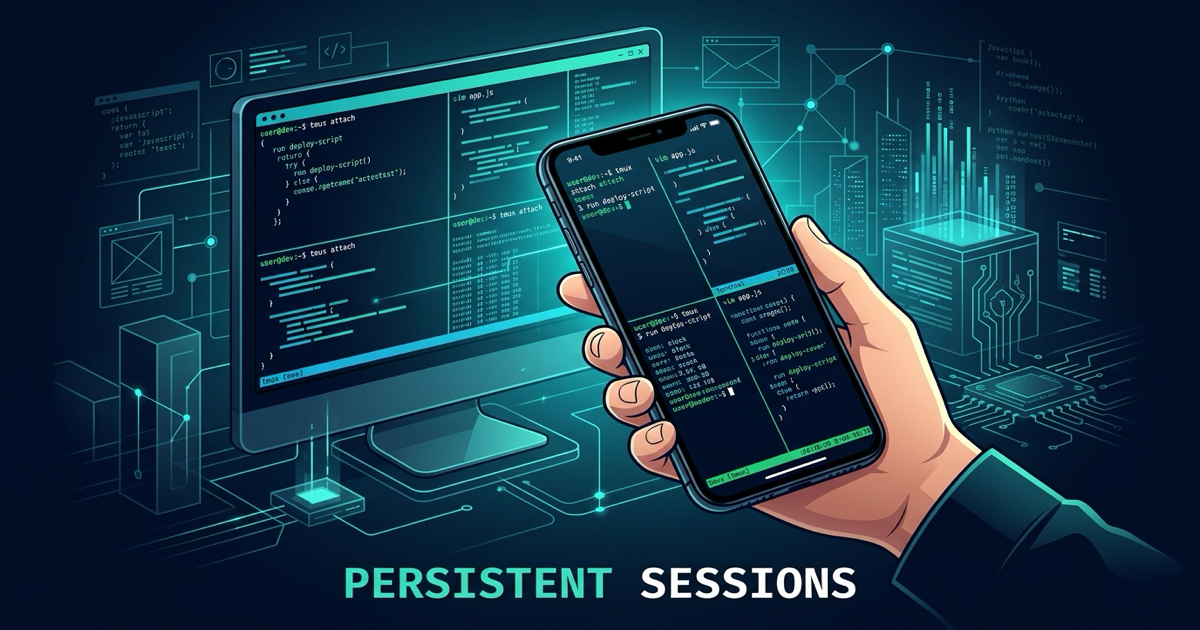
Develop From Your Phone With Persistent Sessions. Persistence on a phone comes in three depths: nohup-style processes that survive but cannot be driven again, multiplexer sessions you can reattach to through a phone SSH client, and paired remote clients — the model Ferryx ships — where the phone is a viewport onto daemon-owned sessions; the depth you need depends on whether you want to check the run, steer it, or take it over from another device mid-task. Most mobile setups fail not on persistence but on the thumb-sized question of input and screen geometry, which is its own design problem.
Why phone sessions die first
Phone networks make every weak assumption about connection lifetime visible. Handoffs between Wi-Fi and cellular, elevators, tunnels, and aggressive carrier NAT timeouts all break TCP sessions more often than a desk ever will — and a phone locks its screen, suspending apps and their sockets within seconds. A session model that assumes “the client stays connected” is dead on arrival; the mobile question is not whether the connection will drop but how many times per hour.
The second mobile-specific hazard is process ownership carried over from desktop habits. If your agents run as children of an SSH shell (or worse, of a terminal app the OS may suspend), the first network handoff reaps them — you glance at your phone after dinner to find every run gone. Sessions must belong to a layer that never roams: a multiplexer server or headless daemon on the machine doing the work, with the phone as a pure consumer.
Third, plain SSH-from-phone has a credential and friction profile that fights mobility: key material on a handset you carry everywhere, port or hostname gymnastics per network, and no graceful story for the same session appearing simultaneously on laptop and phone. Each friction pushes users back to “I’ll check when I’m home,” which defeats the point.
Three persistence approaches compared
Approach 1 — nohup / detached processes. The process survives disconnection; you read progress from log files. Depth: checking only. You cannot scroll back into the agent’s TUI, cannot answer a prompt, cannot redirect output that already streamed past. Fine for “did the build finish?” — useless the moment an agent pauses for approval, which agent-heavy work does constantly.
Approach 2 — multiplexer reattach over SSH. tmux/Zellij sessions on the host, phone SSH client (termius-style or a real terminal app) attaching over a tunnel or relay. Depth: steering. Full interactive access: scrollback, prompts, splits — constrained by the interface: software keyboards covering half the TUI, tiny viewports mangling wide layouts, and the same key-material-on-handset concern. It works — thousands of operators run this — but it inherits raw-SSH’s reachability and credential story, and the session is visible only through the transport you happened to tunnel.
Approach 3 — paired remote client. The phone app pairs once (QR or PIN) to a gateway over an outbound relay; sessions belong to the host’s daemon; every client — phone, laptop, browser — attaches to the same session objects. Depth: taking over seamlessly: close the laptop mid-task, continue from the phone, later resume on the laptop, no session translation anywhere. The design also carries the mobile-specific affordances approach 2 lacks: the transport assumes intermittent links, the client is purpose-built for small screens (hand-tuned rendering rather than a shrunken desktop grid), and the phone holds a pairing credential instead of your raw host keys.
The depth ladder is the decision: log-watching → interactive steering → device-agnostic takeover. Pick by what you actually do from a phone — and be honest that agent workflows rarely stay at depth one, because agents pause for exactly the approvals you opened your phone to grant.
A mobile check-in workflow that holds
Whichever persistence layer you choose, the workflow that survives real mobility looks like this:
- Launch long runs before you leave the desk — inside the persistence layer, never as bare shells. Verify ownership with the parent-chain check (
ps -o ppidleads to tmux-server/daemon, not your SSH shell). - Orient on connect, don’t scroll. A status overview (which agent finished, which is prompting) beats diving into panes; on depth-3 setups this is a first-class screen, on depth 2 you improvise with pane titles. The point is answering “where is everything” in one glance on a 6-inch screen.
- Handle approvals first, aesthetics later. Phone check-ins are disproportionately about permission prompts and blocked runs — deal with the unblocking action before browsing output, or you will run out of train platform.
- Type sparingly, hand off deliberately. Long edits belong to a hardware keyboard at a desk; use the phone for short steering — approvals, restarts, “continue with option B” — and hand the session back to the laptop when you return. Depth-3 sessions make the handoff literal: same session, different viewport, zero state translation.
- Assume every network will betray you mid-command. Prefer actions that are idempotent or queued server-side; a disconnect mid-submit should result in “reconnect and see it done,” not “reconnect and wonder.” If your layer makes you wonder, that is the layer telling you it is depth 1 pretending to be depth 2.
Ferryx implements depth 3 end to end: daemon-owned sessions, one-shot pairing, phone app as viewport — the pairing walkthrough shows enrollment, and mobile terminal rendering covers the screen-size engineering behind approach 3’s affordances.
FAQ
Can I use my phone’s terminal app with tmux for this?
Yes — a phone SSH client attaching to a tmux server is approach 2 and genuinely works for steering: full scrollback and prompts on the handset. Budget for the rough edges: software keyboard occlusion, thumb-hostile default keys, key material on the phone, and per-network tunnel setup. Many operators pair it with a jump/relay so the phone never hits home-network reachability directly.
What breaks first when controlling agents from a phone?
Input bandwidth and orientation churn. Long natural-language prompts typed with thumbs get abandoned midway; TUIs assume viewports wider than a phone in portrait; and approving-by-scrolling through dense output invites mis-taps on consequential actions. Effective mobile agent control inverts the ratio: overview screens and one-tap approvals dominate, raw typing is the exception.
Does nohup give me persistent sessions for phone checking?
It gives persistent processes, not sessions: survival without a re-enterable terminal. You can check logs on the phone (via SSH/SFTP or a log endpoint), but you cannot resume driving the run — for agents that pause on questions, that is the wrong half of persistence. Treat nohup as depth 1 and expect to outgrow it as soon as approvals enter the loop.
How does device handoff work — can my laptop and phone share one session?
With approach 3, sharing is the design: sessions are daemon-side objects, and both clients attach as viewports, so the laptop closes and the phone continues the same stream (and vice versa) with no detaching ceremony. Multiplexer-over-SSH approximates it (tmux detach/attach from either device) but serializes you to one active viewport per transport and re-does auth per device; the remote sessions use case lays out the simultaneous-attach model.