
A Workspace Manager for Terminals Across Repositories
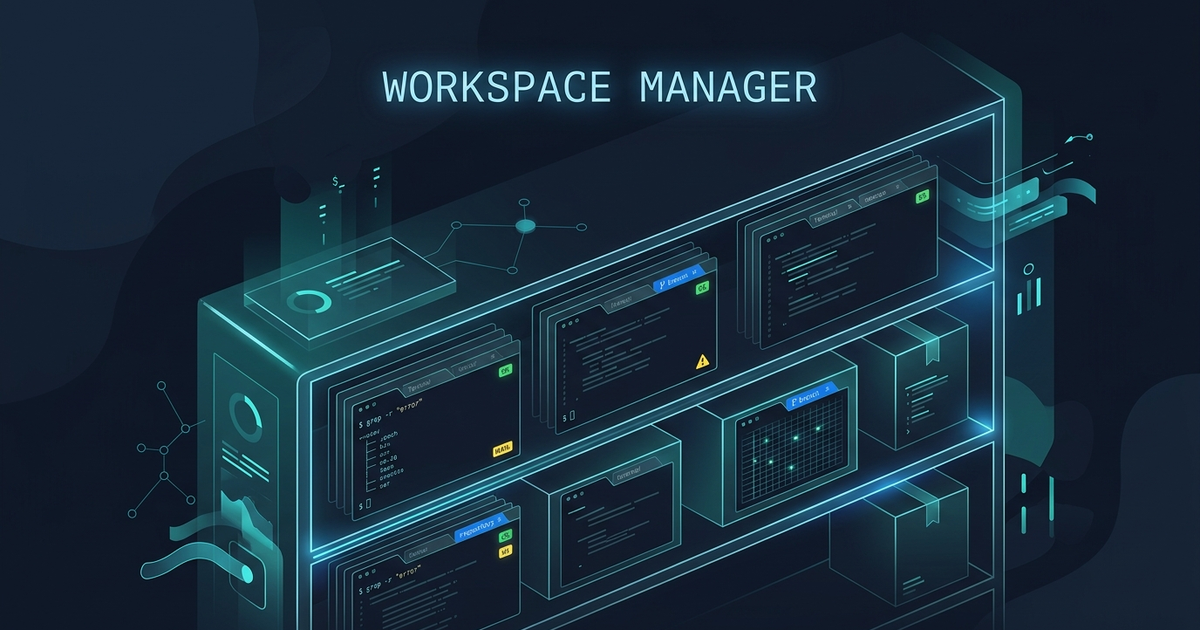
A Workspace Manager for Terminals Across Repositories. The failure of tabs is flat organization: twelve repos in one row of tabs means identity lives in tab labels you cannot read, layouts reset per repo, and switching context costs visual search every time. A workspace manager fixes this with hierarchy — a workspace per repository that owns its sessions, remembers its layout, and binds each session to that repo’s directory (usually its worktree) — so switching projects is selecting a named workspace, and everything (panes, cwd, running state) restores as a unit — the hierarchy Ferryx workspaces implement over daemon-owned sessions. The payoff is not more screens; it is context that survives the switch.
Why tabs fail at repo scale
Tabs encode presence, not identity. Each tab knows its title and nothing about your relationship to it, which produces four recurring costs as repos grow:
Label illegibility. Beyond ~10 tabs, titles truncate to two or three glyphs of shell prompt — ~/p…, ~/p… — and the row becomes an archaeological dig of similar shapes. You re-identify repos by position (muscle memory for “the third one”), which silently breaks the moment a tab closes, reorders, or a session restarts. Identity by position is identity by coincidence.
Layout amnesia. Your review setup (diff left, logs right, tests below) exists only while that tab lives. Switching repos means rebuilding the arrangement pane by pane; switching back means hoping the old tab is still where you left it. Tabs are ephemeral windows into a layout you re-create each visit — the opposite of how physical desks work, where the papers stay when you stand up.
Working-directory drift. A tab started in repo A now contains a stray shell you cd’d to repo B in twenty minutes ago. The tab’s label says one thing; its shells live in three directories. Multiply by tabs and nobody — human or agent — can answer “which tree am I editing” without checking pwd per pane.
Session ownership chaos. Long runs live wherever they were started; a crashed terminal app takes every repo’s background work with it, and “which tab was the deploy running in” becomes incident-response archaeology. Flat tabs have no layer below them to own the work.
None of these are discipline problems — they are what flat structure predictably produces at scale. The fix is structural: give sessions a parent.
Workspace model and layouts
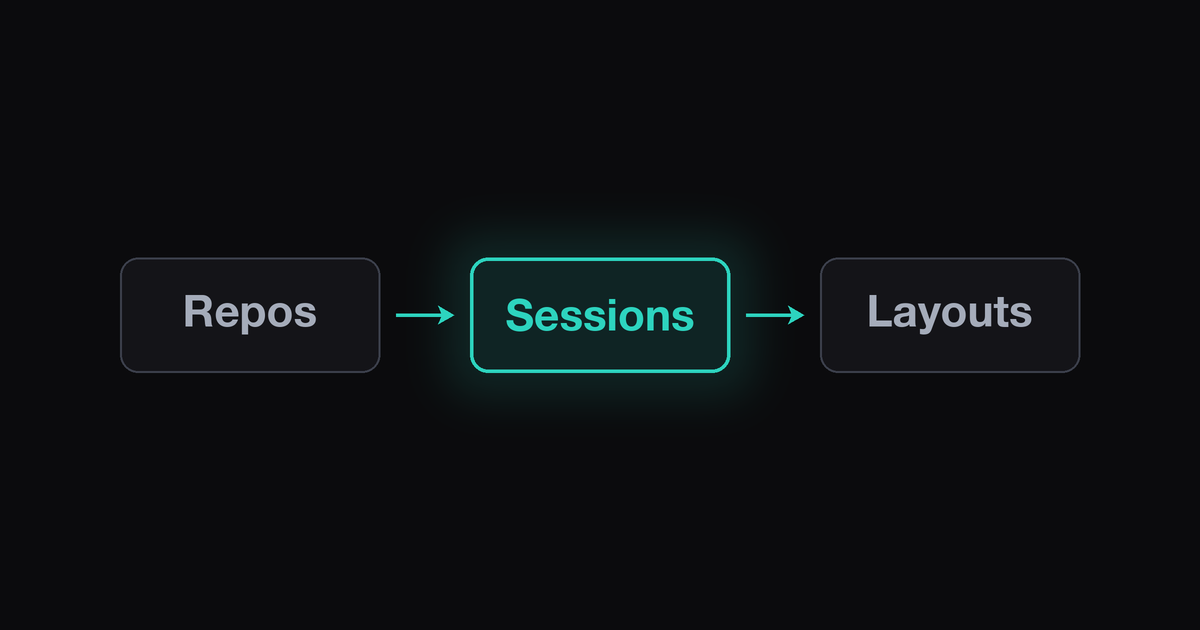
A workspace manager introduces the missing hierarchy — three levels, each owning the level below:
- Workspace (per repository). Named, persistent, and scoped: it holds sessions, remembers layout, and — crucially — anchors where its sessions run (the repo’s directory or one of its worktrees). The workspace is the unit of context switching: select
billing-api, and you are in billing-api — panes restored, cwds correct, running processes reattached. The flat-tab failure modes dissolve because identity (workspace name), layout (stored per workspace), and directory (bound at workspace level) are structurally coupled instead of coincidentally aligned. - Sessions (within a workspace). Each session is an addressable object — a PTY with identity, its own working directory, and state (running/parked/blocked) — not a pane drawn on screen. Because sessions are objects, they outlive any particular arrangement of them: closing the window detaches the view, not the work; reopening restores both.
- Layout (the arrangement). Splits and pane assignments serialize with the workspace, so the review arrangement you built on Tuesday returns on Wednesday. Layout is presentation of sessions — the layer that is safe to destroy and cheap to rebuild, precisely because it is not where state lives.
Worktrees slot in naturally at this level: the strongest version binds a workspace (or a session group inside one) to a managed worktree — each parallel task gets tree, branch, and panes under one workspace entry, created and torn down with it. Ferryx’s workspace model implements exactly this hierarchy — daemon-owned sessions, per-workspace layouts, managed worktrees under .orca-worktrees/ — as the introduction and workspace snapshot format document.
Switching context without loss
The day-to-day proof of the model is the context switch — the operation tabs handle worst:
- Switch = select, not rebuild. One command (or palette entry) swaps the entire workspace: layout, sessions, running state. The metric that matters is time-to-resume: with hierarchy it is the latency of a keystroke; with tabs it is visual search + pane re-arrangement +
pwdaudits, repeated every visit. - Background work continues across the switch. Because sessions belong to the workspace (and to the daemon below it), switching away leaves runs untouched — check billing’s test suite while api’s agent works, switch back, both still there. The “where was my deploy running” incident disappears: it was always in its workspace.
- Return visits carry narrative. Workspace-attached state (which session is parked on what, which worktree is dirty) answers “where was I” without re-deriving it from scrollback — for humans the thirty-second reorientation, for agents the difference between resuming and rediscovering.
- Fleet scale stays legible. Twelve repos as twelve workspace entries — named, countable, searchable — beats twelve tabs as twelve truncated glyphs. The same hierarchy that fixes individual context switching is what makes repo-fleet operations (morning standup across projects, weekly hygiene sweeps) addressable: the multi-repo Monday routine is written against exactly this unit.
The switching discipline compounds for teams: shared workspace layouts (the review arrangement is the team’s, not each person’s improvised) mean any member opening the billing workspace lands in a shape they already know — onboarding becomes selecting a name instead of learning someone’s tab archaeology.
FAQ
Isn’t this just tmux with extra steps?
tmux gives you sessions and windows — real hierarchy — and disciplined users approximate workspaces with naming conventions. What tmux does not own: persistent layouts bound to a directory (restoration is a script you maintain), identity per repo (sessions know their title, not their relationship to a project), and cross-session state (per-workspace status like dirty trees or parked agents). A workspace manager packages those as structure instead of convention — the tmux migration post maps the concrete gaps.
Do I need worktrees for the workspace model to pay off?
No — the hierarchy pays off alone (layout, directory binding, session ownership), and a workspace can point at plain clones. Worktrees add the parallel-task dimension: several sessions in one repo each editing a different branch without collisions. The combination (workspaces for cross-repo structure, worktrees for within-repo parallelism) is where fleets converge; either half is independently useful.
How do workspaces survive app crashes or reboots?
The state that matters must live below the UI: sessions owned by a daemon (not the window), with layout and session metadata serialized to disk — so the app can die, the machine can reboot, and reopening restores the map (workspaces, layouts, session identities) to reattach or relaunch. The mechanics — atomic saves, snapshot format, restore ordering — are detailed in the workspace snapshot format post.
Can I share a workspace setup with my team?
Layouts and workspace definitions are text — version them alongside the repo (.ferryx/, or any committed layout file) and every member opening that repo lands in the agreed arrangement: panes, roles, default directories included. What stays personal: running sessions (they are your processes) and credentials. This split — shared shape, personal state — is what makes workspace config a team artifact instead of dotfile folklore.