
Native vs Electron Terminal Stacks for Agents
Native vs Electron Terminal Stacks for Agents. The structural difference: an Electron terminal runs its UI and terminal emulation inside a bundled Chromium (JS/GC rendering pipeline, per-window browser processes), while a native stack draws through the platform’s own toolkit — or, in Ferryx’s case, renders the terminal with a dedicated Rust core (libghostty-vt parsing) onto WGPU surfaces over a Tauri shell. For agent workloads — hours of high-volume scrollback, many concurrent sessions, machines that must stay responsive — the comparison turns on memory floor × session count, GC pauses during output floods, and how directly escape-sequence parsing maps to pixels: areas where pipeline architecture decides more than feature lists do.
Where Electron costs appear
Chromium’s costs are well-understood in the abstract — document them per terminal workload specifically:
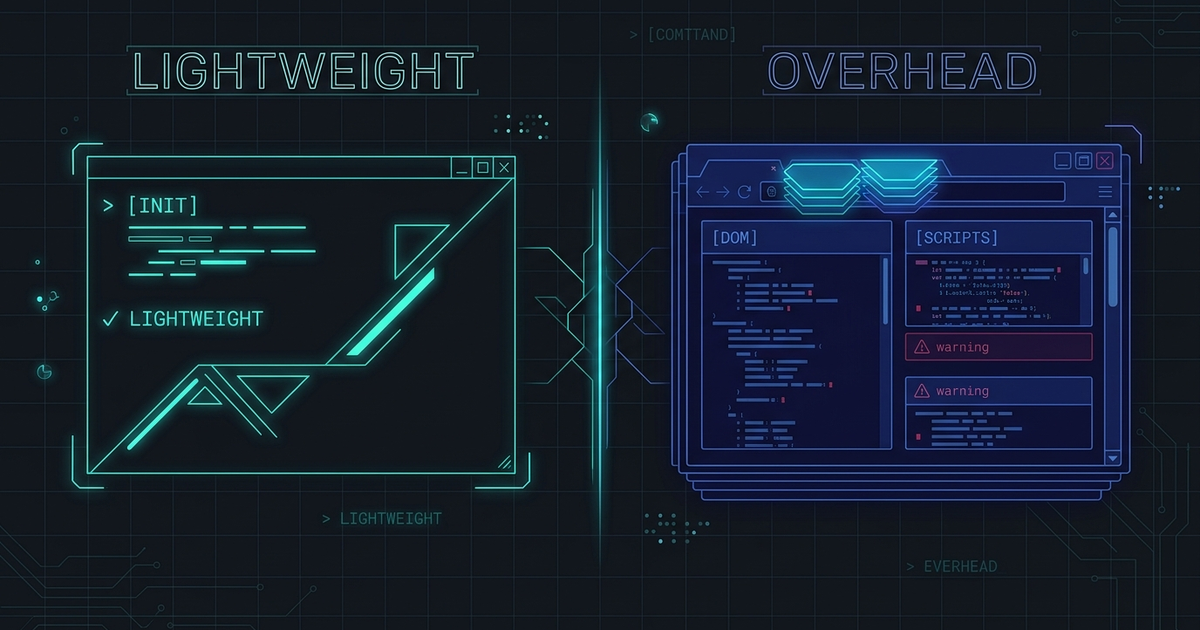
Memory floor, multiplied. Each Electron window/process tree carries a browser runtime (GPU process, renderers, utilities) whether or not it is drawing anything — a baseline of tens to hundreds of MB per instance before your first character. A terminal app’s unique multiplier is multiplicity: fleets favor many windows/sessions (one per agent lane), and browsers’ process-isolation model (renderer per origin/site) resists sharing that runtime down across them. Result: idle-but-open cost grows with window count, while a terminal’s actual content (text grids) is tiny — the runtime dominates the payload by orders of magnitude.
Rendering through the web stack. Escape sequences → DOM/canvas/SVG-ish layers → Chromium compositor → pixels. Each hop is optimized for documents (arbitrary, dynamic, styleable) rather than character grids (regular, batch-updated). Under agent output — thousands of lines/second during test floods or streaming logs — the GC and style/composite paths that never notice a webpage’s updates become visible: frame pacing stutters exactly when terminals must stay smooth, and scrollback buffers living in JS heap invite GC pauses at the wrong moment. Per-frame costs that are invisible for reading mail compound across five panes of live output.
Startup and footprint per instance. Cold-start means booting a browser context; a quick utility action (open a status pane, peek a session) pays framework tax. Long-running agents themselves are indifferent — they live in PTYs, not in any UI — but you pay the tax every time the fleet’s view comes up or a window is respawned after crash.
None of this makes Electron wrong: it buys cross-platform UI velocity, ecosystem reach, and a team’s existing web skills. The costs above are real and acceptable for many apps; they only become decisive when the workload pattern is “many long-lived panes with bursty high-volume output” — which is, precisely, agent supervision.
Native rendering and memory path
The native alternative inverts each cost center’s dependency:
Memory scales with content, not chrome. A native terminal’s floor is the emulator’s state: screen grids, scrollback, PTY handles — kilobytes-to-megabytes per session territory, with shared platform facilities (fonts, GPU contexts) amortized across all windows instead of per-process. Ten sessions or fifty, the idle multiplier tracks your data, which lets fleet density be a design choice rather than a memory event.
Parse-once, draw-direct pipelines. Ferryx’s path makes the architecture concrete: incoming PTY bytes flow through libghostty-vt — a Rust escape-sequence parser maintaining terminal state directly — and rendering goes to WGPU surfaces (Metal/Vulkan/D3D12 via one API) with the platform’s native view types underneath. There is no document tree between “VT state says cell (x,y) is ‘Q’ inverse” and “cell (x,y) redrawn”: the hot path is parser → damage region → GPU quads, avoiding both GC participation and document-restyle work during output floods. Batches of updates coalesce at the damage level (redraw each dirty region once per frame, not per byte), which is what keeps frame pacing flat under streaming logs.
Subsystems get owned, not assembled. A terminal-centric stack writes its terminal (parsing, selection, IME, scrollback) as first-class code instead of adapting a browser’s text model — paying off in the awkward places agents and international users hit: unicode-width edge cases, IME composition atomicity across network paths, paste framing for large diffs, alternate-screen transitions. The libghostty-vt parsing post and WGPU rendering post detail the two core stages; the Tauri v2 shell post covers what the application layer around it does and does not include.
The honest ledger: native stacks pay upfront in platform surface area (three OSes’ view/window/IME behaviors to maintain — the cross-platform premise every Ferryx change must satisfy) and in features the web gives free (web widgets, instant restyle). Electron pays continuously in runtime cost. Which ledger you prefer is a workload question.
Choosing under agent load
Decision rules keyed to observable conditions, not ideology:
| Your workload | Lean | Why |
|---|---|---|
| One or two sessions, occasional use | Either — pick on features | Idle costs don’t accumulate; UI velocity wins |
| Fleet: 5+ concurrent agent panes, all day | Native-leaning stack | Memory floor × multiplicity and flood-rendering are daily costs |
| High-volume output (test floods, streaming CI) | Native-leaning stack | Direct VT→damage→GPU path holds frame pacing without GC |
| Team extends UI heavily (web widgets, plugins) | Electron, knowingly | Pay runtime for development velocity; monitor idle footprint |
| Low-power machine / remote thin client | Native-leaning stack | Idle footprint and startup latency dominate the experience |
| IME-heavy input (CJK) under remote latency | Whichever proves composition atomicity in testing | Pipeline theory matters less than a two-minute Korean-typing drill |
Two disciplines keep the choice honest: measure your own fleet (task-manager idle footprint × your typical session count, plus frame behavior during a yes-style flood — ten minutes of numbers beats any architecture blog, including this one), and verify the international-input path if your team types CJK — composition splitting across network writes is a structural bug class that demos on localhost never reveal. The remote-side engineering for that class is documented in Korean IME issues; the latency context in remote input latency. For the fleet operations side these panes serve, the cross-provider fleet model carries the state and supervision patterns.
FAQ
Is an Electron terminal actually slower for everyday typing?
For ordinary interactive typing, no — modern Electron terminals type fine, and keystroke latency is dominated by round-trip/painting paths that are adequate at human speeds. The differences surface under aggregate load: many concurrent windows multiplying idle memory, and sustained high-volume scrollback contending with GC/compositing — conditions agent fleets create daily and single-session use rarely does.
What exactly does “native rendering” mean for Ferryx?
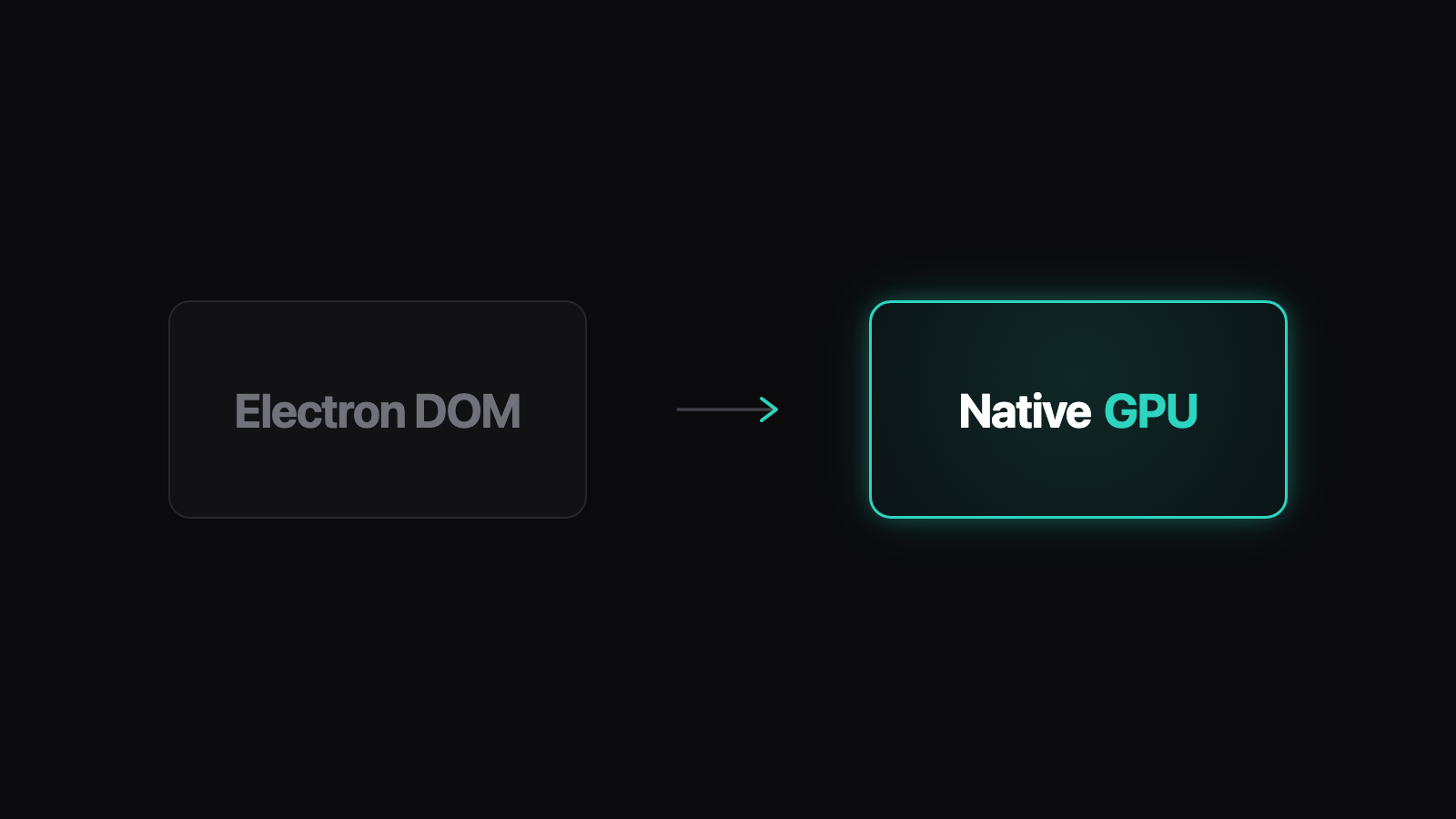
It means the terminal’s pixels come from a purpose-built pipeline rather than a browser document: libghostty-vt (Rust) parses escape sequences into terminal state, damage regions mark what changed, and WGPU draws those cells directly to GPU-backed surfaces backed by each platform’s native view type (Metal on macOS, Vulkan/D3D12 on Linux/Windows). The shell around it (Tauri v2) handles application chrome; the terminal itself is not a webpage — the parsing stage is covered in libghostty-vt parsing.
Doesn’t Electron give me easier cross-platform behavior?
It gives consistent behavior — the same Chromium everywhere — which is a real win for UI code, at the cost of every platform getting browser-class footprint and a non-native feel (text rendering, input behaviors, window semantics differ subtly from each OS’s conventions). Native stacks invert the trade: platform-specific effort per OS (a genuine cost — Ferryx’s cross-platform premise requires working fallbacks on all three),换来 native behavior per OS.
We’re building our own agent tool — is the terminal stack the wrong place to save effort?
Depends which layer you’re building: if your product is about terminal experience (fleet dashboards, heavy output, international input), the terminal stack is product surface — Electron’s savings there get re-spent daily in runtime cost and edge-case management. If you’re building an app that merely embeds one terminal occasionally, an Electron shell with a proven emulator component inside is a legitimate velocity choice — just measure idle footprint × your expected sessions before committing, and keep the emulator boundary clean so the shell remains swappable.