
SSH Into Your Home Machine While Traveling
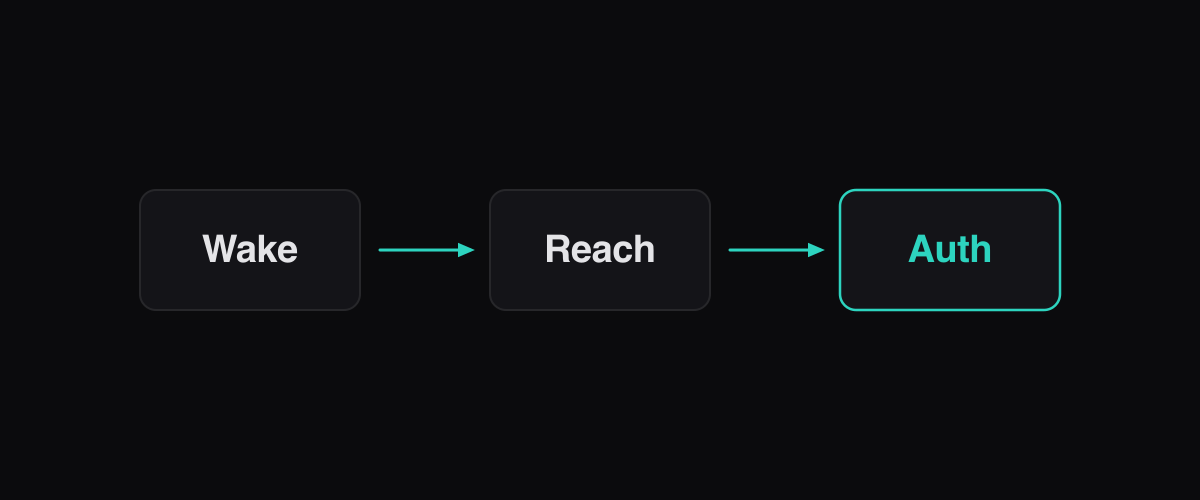
SSH Into Your Home Machine While Traveling. The short version: you need three problems solved before hotel SSH works — a reachable path through home NAT (dynamic DNS plus a forwarded port, a VPN/tunnel you dial out to, or an outbound relay such as Ferryx’s paired remote uses), a machine that is awake when you arrive (preventive sleep settings or scheduled wake, since WoL over the internet is fragile), and a survivable session (keys plus an ownership layer so a roaming connection does not kill your agents). Miss any one of the three and you are calling someone at home to wiggle a mouse.
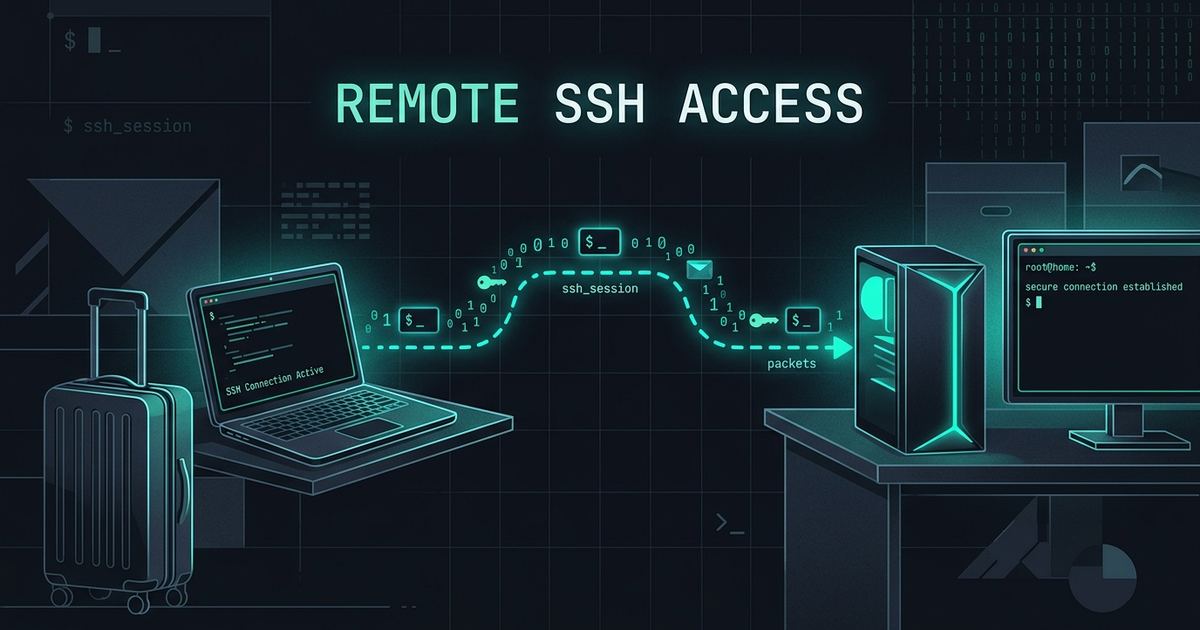
The three things that block hotel SSH
In order of how often they strand people:
1. Reachability. Home networks are behind carrier-grade NAT or a router that assigns private addresses; from a hotel you literally cannot address your machine the way you address a server. Classic answers — port forwarding on the router plus dynamic DNS — work but expose an SSH daemon to the entire internet, which means your login surface is now a public target subject to credential stuffing and unpatched-daemon scanning. Hotel and conference networks compound this: UDP and nonstandard ports are frequently blocked or intercepted by captive portals, so exotic transports fail exactly where you need them.
2. Wakefulness. The machine must be on when you connect. Desktops sleep, laptops clamshell, and scheduled jobs conflict with power settings you set for electricity bills. Wake-on-LAN is the classic remedy but requires a packet sent from inside the LAN — a helper device, a second machine, or a router trick — because magic packets do not cross the internet and many consumer NICs disable the feature after driver updates. The travel-proof pattern is preventive: configure sleep policies before leaving (or disable sleep on a machine you intend to reach), rather than relying on waking it remotely.
3. Survivability. Even with a working path to a running machine, the session must tolerate the journey: hotel Wi-Fi with aggressive NAT timeouts, airport handoffs between networks, captive portals that reset connections every few minutes. A dropped TCP SSH session kills interactive work unless the processes below it are owned by something that outlives the connection — plus keepalive settings to defeat idle timeouts where the path is stable but quiet.
Setup checklist without port forwarding
The outbound-first design avoids exposing sshd to the internet entirely: nothing listens publicly; your travel client dials home to a rendezvous point both sides trust.
- Choose the rendezvous. Three working shapes: (a) a self-hosted relay on a cheap VPS that home dials out to and clients dial in to — no inbound ports anywhere; (b) a commercial tunnel (Tailscale-style mesh or Cloudflare-style tunnel) where the provider brokers introductions; (c) plain VPN-into-home (WireGuard on the router/VPS) after which plain SSH addresses are routable. Each keeps home’s ports closed; they differ in trust and setup burden.
- Pre-stage keys, not passwords. Ed25519 keypair created and
authorized_keyspopulated before you travel; password auth disabled. Rotating a compromised key from a hotel lobby is possible but miserable; do the identity work at home. - Fix the wake policy before departure. On the machine you will reach: verify sleep settings (or caffeinate/scheduled wake), confirm the daemon/service layer starts at boot, and — critically — confirm agent sessions are owned below your login so a dead connection does not reap them.
- Set keepalives on both ends.
ServerAliveInterval(client) andClientAliveInterval(server) tuned to defeat the shortest idle timeout you expect (conference networks are often aggressive). This keeps quiet-but-alive sessions from being reaped; it does not replace ownership for hard drops. - Run the drill from a hostile network. Before flying: from a phone hotspot, connect through your chosen path, kill the hotspot mid-session, restore it, and confirm reattach works with your running processes intact. Discovering a blocked port or missing wake rule at the hotel costs a day; discovering it at home costs ten minutes.
For agents specifically, add one row to the checklist: every long run must live in the ownership layer (tmux/daemon) before you travel — keep-alive patterns explain why connection settings alone do not cover hard drops.
Fallback when the network fights back
Hotel networks defeat setups in recurring ways, each with a known response:
| Failure at the hotel | What it looks like | Response |
|---|---|---|
| Captive portal | Browser redirect before anything connects | Log the portal through the browser (or hotspot the phone) first; the tunnel then rides normally |
| UDP blocked | WireGuard/Mosh never handshake | Fall back to TCP-based relay or SSH-over-443 style transports reserved for this |
| Aggressive NAT timeout | Session dies after minutes of quiet | Tighten keepalives; rely on session ownership for the rest |
| DNS lying / ISP filtering | Relay hostname resolves wrong | Hardcode the relay’s IP as fallback; prefer IP-stable rendezvous |
| Power loss at home | Machine simply offline | Scheduled wake + daemon autostart; accept WoL’s limits |
The pattern across the table: each layer has a designated fallback, and none of them requires someone wiggling the mouse at home — except true power loss, which no remote scheme fixes. Teams running the outbound-relay shape (home dials out to a relay, clients dial the relay) find the last three rows rarest, because nothing depends on home inbound reachability; the self-hosted relay post walks that topology and the remote access use case collects the client-side patterns.
FAQ
Is port forwarding on my router safe enough for travel SSH?
It works but changes your risk posture: sshd becomes internet-facing, scanned continuously, and your login becomes the only barrier — feasible with key-only auth and fail2ban-style hardening, but every disclosed CVE becomes your emergency while you are abroad. Outbound-first designs (relay/tunnel/VPN) keep the door closed and carry the same convenience; most travel guides now prefer them precisely to avoid owning a publicly exposed daemon.
Does Wake-on-LAN work from a hotel?
Not directly — WoL magic packets are link-layer broadcasts that routers do not forward from the internet. Practical variants: a low-power device on the home LAN (NUC, Raspberry Pi, router app) you can trigger over your tunnel to send the packet; BIOS-scheduled power-on at fixed hours; or simply leaving the target machine awake for the trip. Each trades a little electricity or complexity for reliability; packet-from-anywhere WoL is the myth version.
What keepalive settings should I use on flaky hotel Wi-Fi?
Client side, ServerAliveInterval 30 with ServerAliveCountMax 3 is a common starting point — enough traffic to defeat minute-scale idle timeouts without spamming. Aggressive conference networks may need tighter values. Keep in mind keepalives only address quiet sessions: for roaming and hard drops, session ownership (tmux/daemon) is the mechanism that actually preserves work — see the keep-alive deep dive.
Can I check my home agents from a phone instead of a laptop?
Yes, and it changes the requirements: a phone client favors a paired-app architecture (QR/PIN pairing, outbound relay, browser-or-app viewport) over raw SSH, because it wants the same session reachable without managing keys on the handset. The phone pairing guide documents that flow; the daemon keeps sessions alive regardless of which client is attached.