
Lightweight Tmux Alternatives: shpool, dtach, and Jobs
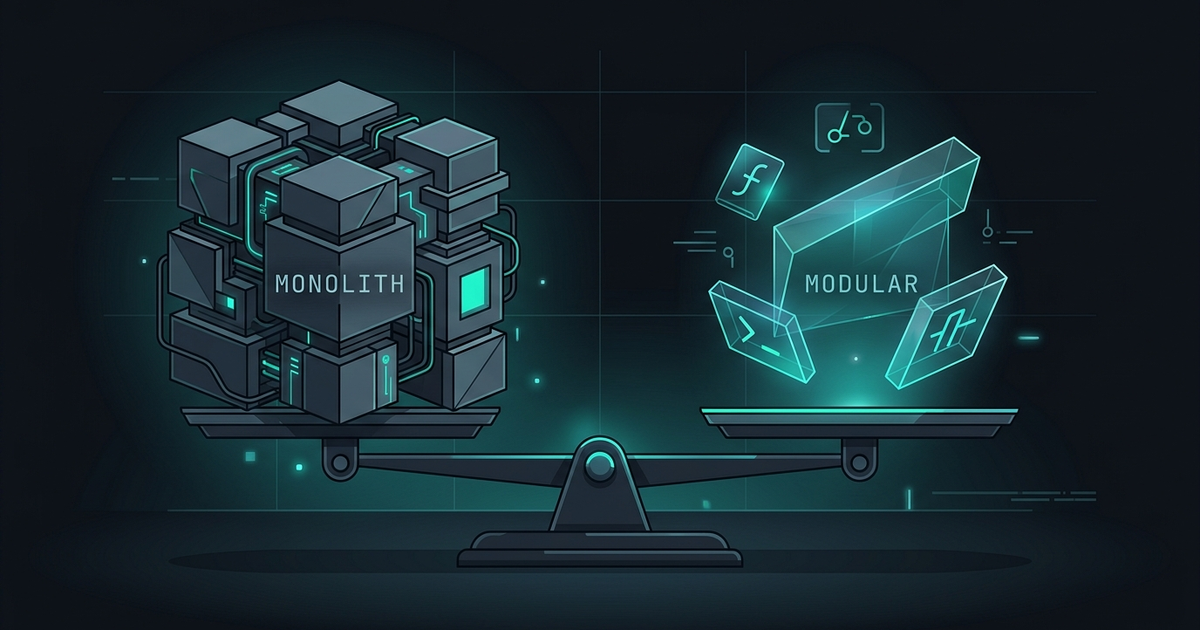
Lightweight Tmux Alternatives: shpool, dtach, and Jobs. Detaching a long-running coding agent does not require a multiplexer — dtach, shpool, and plain background shell jobs all keep a process alive with far less machinery than tmux. The trade is precision: lightweight tools save the process, not the arrangement, so you give up pane topology, status, and multi-session visibility — the three things a daemon such as Ferryx treats as the whole product. This post maps exactly what each option preserves, where it breaks, and when the extra weight of a daemon or multiplexer is worth paying.
What shpool and dtach actually provide
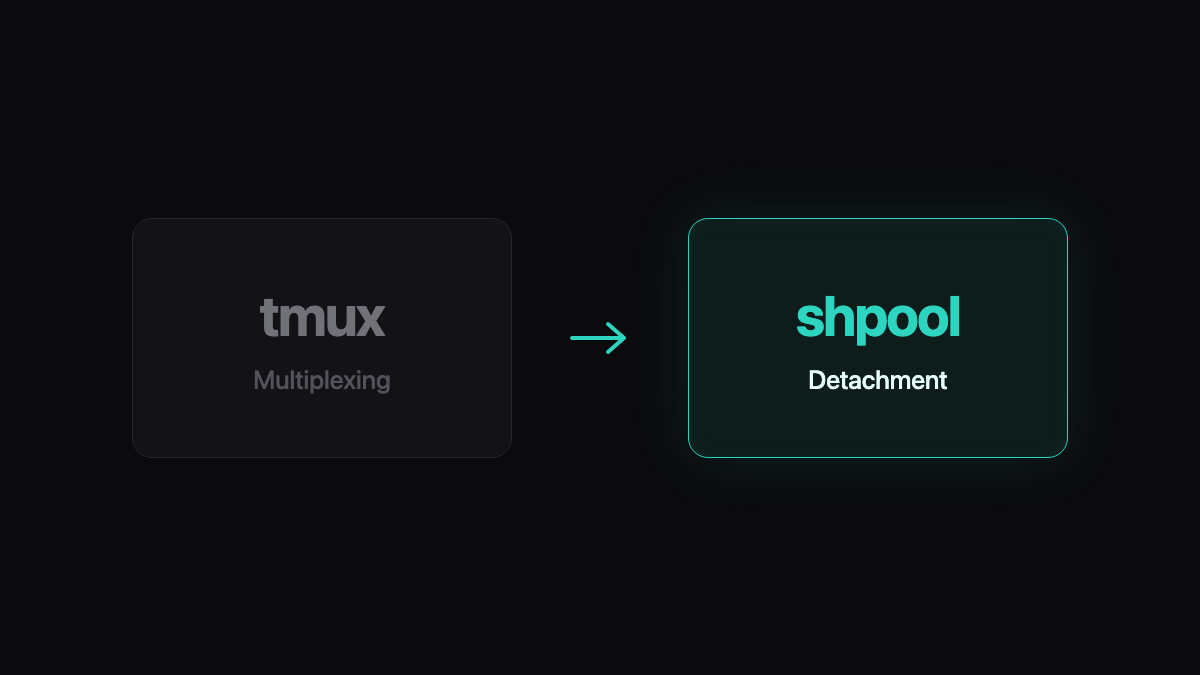
Both tools answer one question well: how do I keep this process running and get its terminal back later? They differ in how.
dtach is a classic Unix micro-tool (a few thousand lines historically): it attaches a program to a pseudo-terminal, lets you detach with a chosen key, and reattaches later over a Unix socket. There is no window management, no status line, no sessions beyond the one you started. If tmux is a screen manager, dtach is a lanyard for one process — you clip on, you clip off. Its constraint is equally simple: one program per dtach instance, and the client and server are tied to one machine.
shpool is the newer entry, aimed squarely at the remote-development pain of reattaching to a session over SSH after the connection drops. It focuses on fast reattach and client/server separation across the network path, with less historical baggage than tmux’s option surface. For a single agent run inside one remote shell, it is the tool most often named in “I don’t need tmux, I just need to not lose this” discussions.
Plain shell jobs need no install at all: nohup agent-run &, disown, or simply closing the laptop on a tmux-less but systemd-run-wrapped command. The process detaches from the terminal’s hangup, output redirects to a file or log, and you read it back later. The “session” is your shell’s job table — ephemeral, per-shell, and gone when that shell exits for good.
The common denominator: all three save one axis — process lifetime. None of them model a workspace.
The features you give up for lightness
Weight in a terminal tool is not bloat; it is the features someone decided to carry. Dropping the multiplexer drops these:
- No pane topology. You cannot arrange six agents into a labeled grid, zoom one, and re-split after a context switch. One detached program means one detached program; a fleet becomes a list of
dtachsockets you maintain mentally. - No uniform status surface. tmux (or a workspace manager) can show what every session is doing in one strip. Lightweight tools report nothing; knowing which agent finished means polling logs or reattaching to each one in turn.
- No shared environment model. Multiplexer sessions inherit from one server you configure once. With dtach or shell jobs, every instance starts its own environment — convenient until two agents disagree about
PORTor.envand you are back to per-shell discipline. - Weaker recovery narrative. After a crash, tmux-resurrect redraws a layout; a daemon can restore session identity with layout. dtach leaves you a socket list (if you remembered to write it down) and shell jobs leave a
jobscommand’s worth of history in a shell that may no longer exist. - No isolation story. None of these touch the two-agents-one-repo problem. That fix — a worktree or clone per agent — is orthogonal, but lightweight detachment gives you no natural place to bind “this process” to “that checkout.”
For a single overnight build or one long agent task, the lost features are ones you were not using. For a visible fleet, they are the job.
When plain jobs are enough
Background jobs are the right-sized tool when all of these hold: one process (or a fixed set you launch with a script), one machine, output you are happy to read from a log file, and no need to interactively reattach — you poll the result rather than drive the process. Wrapping the job in systemd-run --user or a launchd equivalent adds restart-on-failure for free.
The failure signature is wanting the terminal back: the moment you wish to scroll an agent’s live output, answer its prompt, or see all runs in one place, you have outgrown detachment-only tools and need an interactive layer again.
Picking by workflow shape
| Workflow | Lightest tool that fits | Why it fits |
|---|---|---|
| One overnight compile on a server | nohup / systemd user unit | Fire, log, collect; no reattach needed |
| One interactive agent over flaky Wi-Fi | shpool or dtach | Reattach is the whole requirement |
| A handful of long tasks you check on | dtach + a socket list file | Interactive reattach, still no workspace |
| Six visible agents with statuses | Multiplexer or daemon | Topology and status are the workload |
| Fleet across laptop and remote host | Daemon-owned sessions | Detachment must span machines and clients |
The escalation path is deliberate: start as far down the table as your workflow honestly sits, and move up one row when the missing feature shows up — not before. Teams that jump straight to a full workspace manager for one nightly job pay complexity they will never cash out; teams that cling to nohup for a six-agent fleet pay it in alt-tabs and lost sessions.
The middle row is where Ferryx’s daemon sits conceptually: detachment is not a client-side trick but the default, because a headless process owns each PTY — the daemon overview explains the ownership model, and the product facts page dates what ships today.
FAQ
Is shpool a drop-in tmux replacement?
No — and it does not claim to be. shpool optimizes reattach for a session on one machine, without tmux’s window/pane management, plugin ecosystem, or scripting surface. If your tmux usage is “attach, run one thing, detach, reattach later,” shpool covers it; if you script send-keys across a pane grid, it does not.
Can shell jobs survive my SSH session dropping?
nohup, disown, and redirection away from the terminal keep the process alive through SIGHUP, so a dropped SSH session does not kill it — but the shell’s job table still belongs to that shell. The standard workaround is wrapping in systemd-run --user, screen, or a supervisor so the process is not merely disowned from a shell that itself may exit.
Do any of these tools solve two agents fighting over one repository?
None of them. Detachment is about lifetime; repository conflicts are about isolation. The fix is the same regardless of your detach tool: give each agent its own worktree or clone — the worktree-per-bugfix pattern shows the discipline in practice.
When is it worth graduating from lightweight tools to a full workspace manager?
When you catch yourself maintaining external state — a file of dtach sockets, a log-polling script, a mental map of which run is where. That maintenance is the workspace feature you are not getting. At that point the multiplexer or daemon pays for itself by owning the map instead of you.